

Compose Music
Create songs and instrumentals: pick a genre and mood, add vocals and your own lyrics, and set the length.
Open Music →Create a track
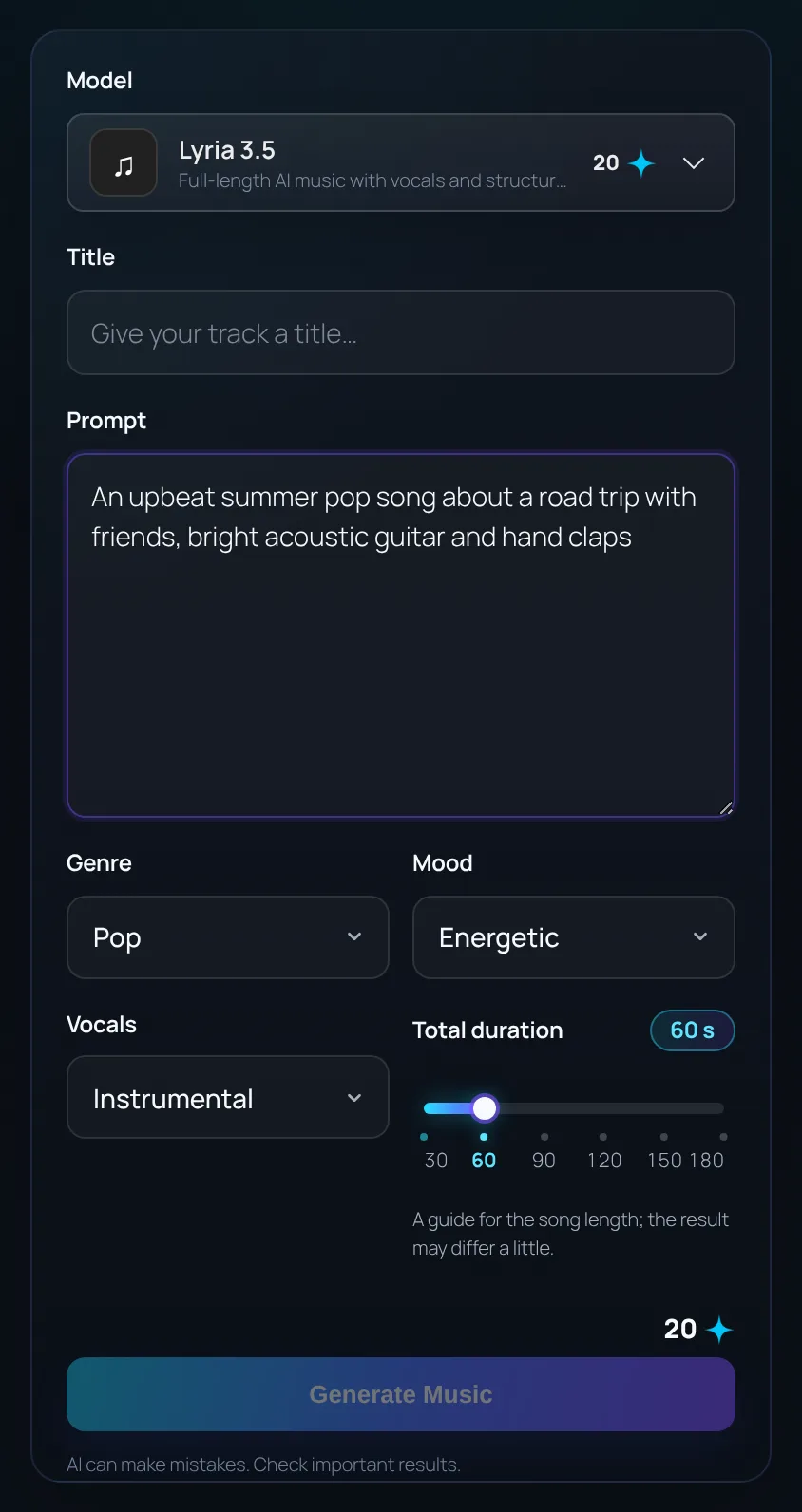
- Open Music from the left menu and choose a model.
- Give the track an optional title and describe the song you want.
- Pick a Genre and Mood.
- Choose Vocals: Instrumental, Male, Female or Duet.
- Set the length and click Generate Music.
Vocals and lyrics
With a singer selected, you can also choose the Vocal style (soft, powerful, soulful…) and the Language (English, Malay, Chinese or auto).
Write your own Lyrics, or leave the box empty and the AI writes them. Use section tags to shape the song:
Lyrics with section tags
[Verse]
City lights are fading slow
One more road before I go

[Chorus]
Hold on, hold on to the night
We are burning, burning bright
Length
Drag the duration slider from 30 seconds to 3 minutes. It is a guide: the finished song can be a little shorter or longer.
Some models always make a 30-second clip. When one of them is selected, the slider is locked and a note under it says so.
Play, download and reuse
- Play the result in the page and download it as MP3.
- Your recent tracks are in Recent music. Click a title to load its prompt and settings back into the form.